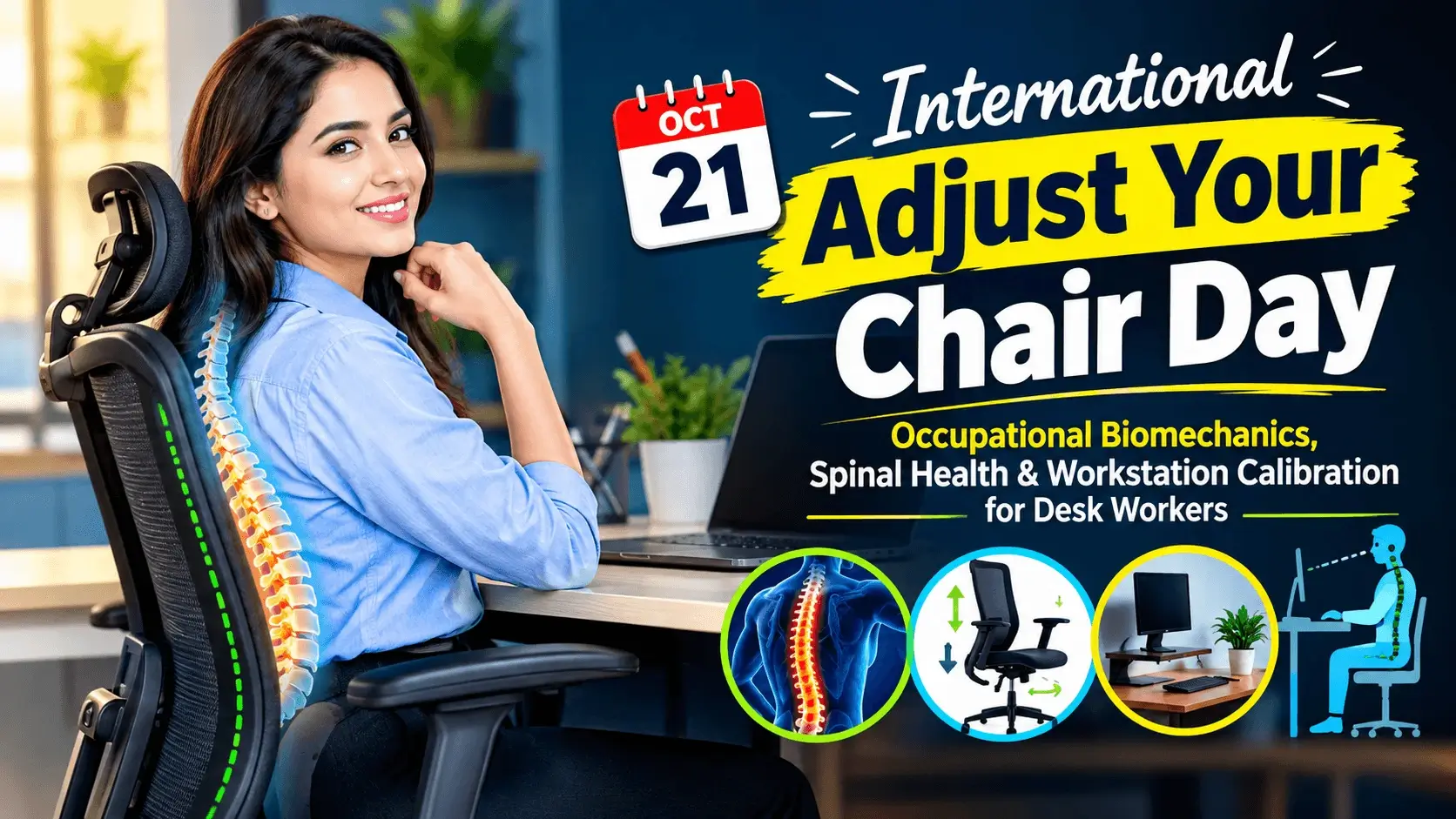
Celebrated annually on the third Monday in October (observed on October 19 in 2026), International Adjust Your Chair Day serves as a vital occupational health intervention. In an era where modern desk workers and remote professionals spend between 35 and 50 hours per week seated in static postures, improper ergonomic workstation calibration represents a leading contributor to chronic musculoskeletal disorders, lumbar disc herniation, and productivity loss.

1. The Spinal Biomechanics of Sedentary Work
Pioneering biomechanical measurements by Swedish orthopedic surgeon Dr. Alf Nachemson demonstrated that sitting without proper back support increases intradiscal pressure in the lumbar spine by up to 140% compared to standing, escalating to over 190% when leaning forward over a keyboard. When the lumbar lordotic curve flattens into a kyphotic slump:
- Posterior Disc Herniation Risks: The anterior aspects of lumbar vertebral bodies compress the intervertebral discs, forcing the nucleus pulposus posteriorly against spinal nerve roots, predisposing workers to sciatica and chronic lumbago.
- Cervical "Text Neck" Syndrome: For every inch the head projects forward beyond neutral alignment, the cervical spine musculature must counter an additional 10 to 12 pounds of gravitational load, resulting in persistent occipital tension headaches, trapezius spasms, and thoracic outlet compression.
2. The 5-Step Ergonomic Calibration Protocol
Certified professional ergonomists recommend calibrating your chair and workstation in this precise sequential order:
- Calibrate Seat Height from the Ground Up: Adjust seat pan height until feet rest completely flat on the floor with knees at a 90- to 100-degree angle. If your desk height is fixed and forces you to raise the chair, utilize a firm footrest to maintain flat plantar support.
- Adjust Seat Pan Depth: Ensure a two- to three-finger gap between the front edge of the seat cushion and the back of your knees (popliteal fossa) to prevent venous compression and maintain lower limb circulation.
- Lock the Lumbar Curve: Adjust the chair's lumbar cushion so its apex fits snugly into the small of your lower back (L3–L5 region), maintaining natural spinal curvature.
- Align Armrests to Elbow Height: Set armrest height so forearms rest parallel to the floor with shoulders completely unburdened and relaxed. Armrests that are too high cause shoulder shrugging; armrests that are too low trigger lateral spine leaning.
- Position Monitor at Eye Level: Align the top line of text on your primary monitor directly with your horizontal gaze at an arm's length distance, preventing vertical neck flexion.
Conclusion: Dynamic Sitting for Lifelong Vitality
Ergonomic task chairs are precision physical health tools, but they require active human calibration. Take five minutes on International Adjust Your Chair Day to optimize your workstation, stand and stretch at regular intervals, and safeguard your spinal health for decades of productive vitality.